
How to keep watch on a competitor's new ads with Adspy
This Adspy playbook is for teams that check a few competitors every week. It returns the ads a brand started running lately, grouped by angle, with the ones worth discussing saved for your team. Everything it reads is included on every plan, within fair use.
- Cost
- IncludedEverything it reads is included on every plan, within fair use
- Where
- Claude, Claude Code, Codex or any remote MCP clientThrough Adspy's MCP server
- Sources
- Meta and Google adsPublic ad libraries, YouTube ads included
- Output
- New ads by angle, and a collectionA note on each ad you keep
Follow Huel. Show me the ads it started running in the last 7 days, grouped by angle, and save the ones worth discussing to a collection called "Huel this week" with a note on each.
What does Adspy do, step by step?
Your AI runs 3 steps with Adspy's tools. Each call is listed with its arguments and the most it can cost on the published tariff; free and included calls use no credits.
Follow the brand
Your AI follows the brand, so Adspy reads its TikTok, YouTube and Instagram accounts more often and tags its recent posts.
follow_brand{ brandKey }Free
Read what is new
It opens the brand's newest ads and groups them by angle, from their copy and AI tags.
search_creatives{ brandKey, sort: "newest", status: "active", limit: 40 }Included
Keep the ones that matter
It saves the ads you want to discuss to a collection your workspace shares, with a note on each.
save_creatives{ name: "Huel this week", hashes }Freeupdate_note{ collectionId, hash, note }Free
This exampleIncludedeverything it reads is included on every plan, within fair use
What comes back?
Adspy's answer arrives in the chat, with the ads, posts and figures it rests on, so you can open each one.
- The brand's newest ads, grouped by angle
- A shared collection with a note on each ad you kept
- The same prompt next week shows what changed since

Huel17 new ads in 7 days
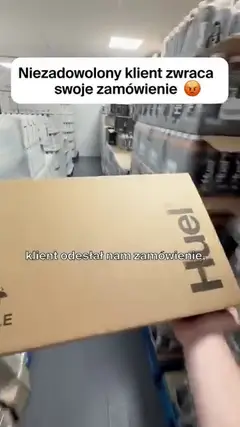
Bold Statement4


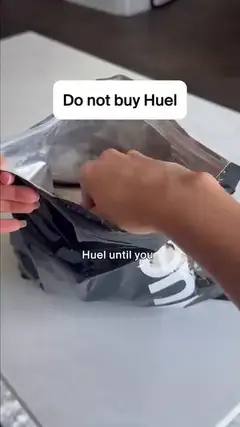
Pattern Interrupt3
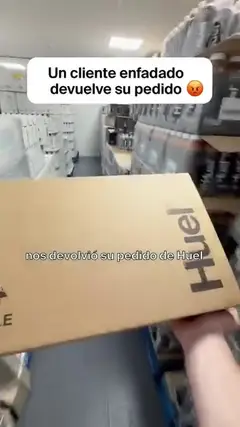


Pain Point Agitation1

Images, no opening classified8
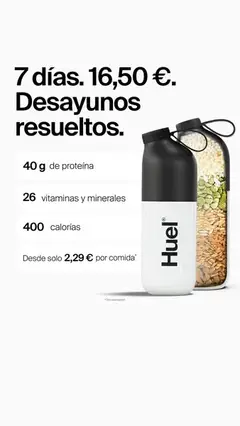
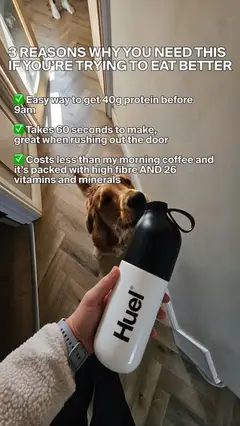



Not classified yet1

Good to know before you run it
- Ads come from Meta's and Google's public ad libraries; TikTok ads are not covered.
- Adspy does not send alerts to your AI assistant: ask again when you want the update.
- Following a brand adds no ads by itself; it makes Adspy read the brand's social accounts more often.
Questions about this playbook
Does following a brand cost anything?
No. Following, reading its ads, saving them and writing notes are free or included on every plan.
Can my team see the collection?
Yes. Collections belong to the workspace, so everyone in it can open the ads and the notes.
How do I see only what changed since last week?
Ask for the ads that started after the date of your last collection; your AI compares them with what you saved.



Have a brand in mind?
Add Adspy to your assistant with this URL, sign in, and ask about its ads. Connecting takes a few minutes, and no ad account.
https://www.adspy.sh/mcp